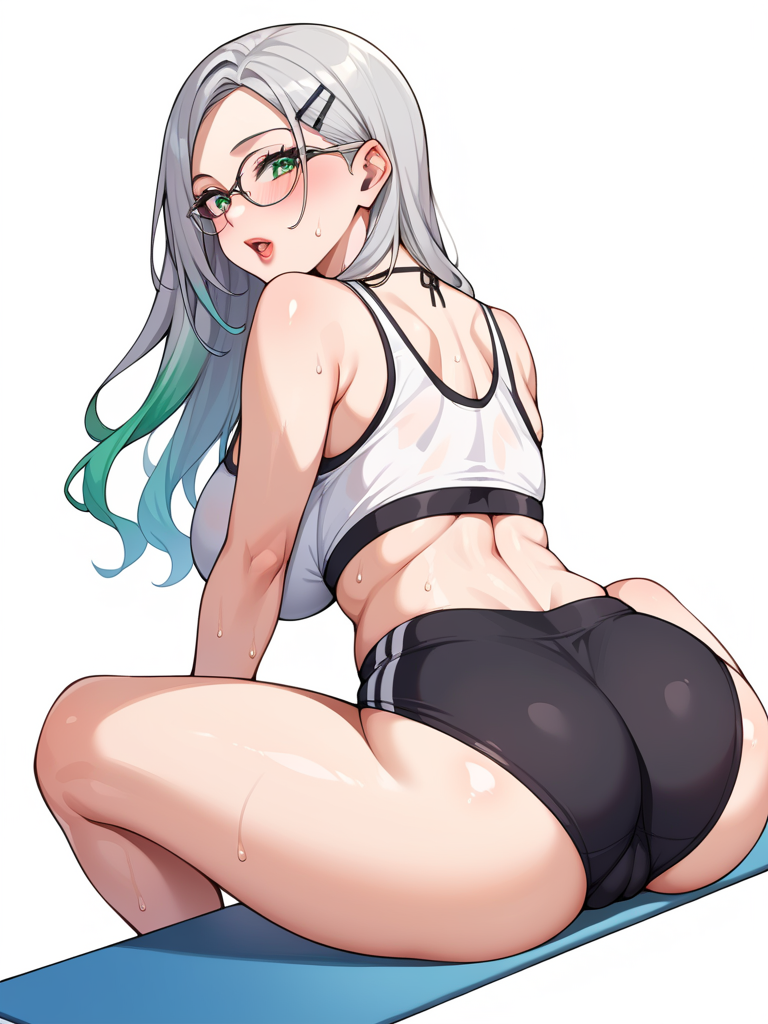
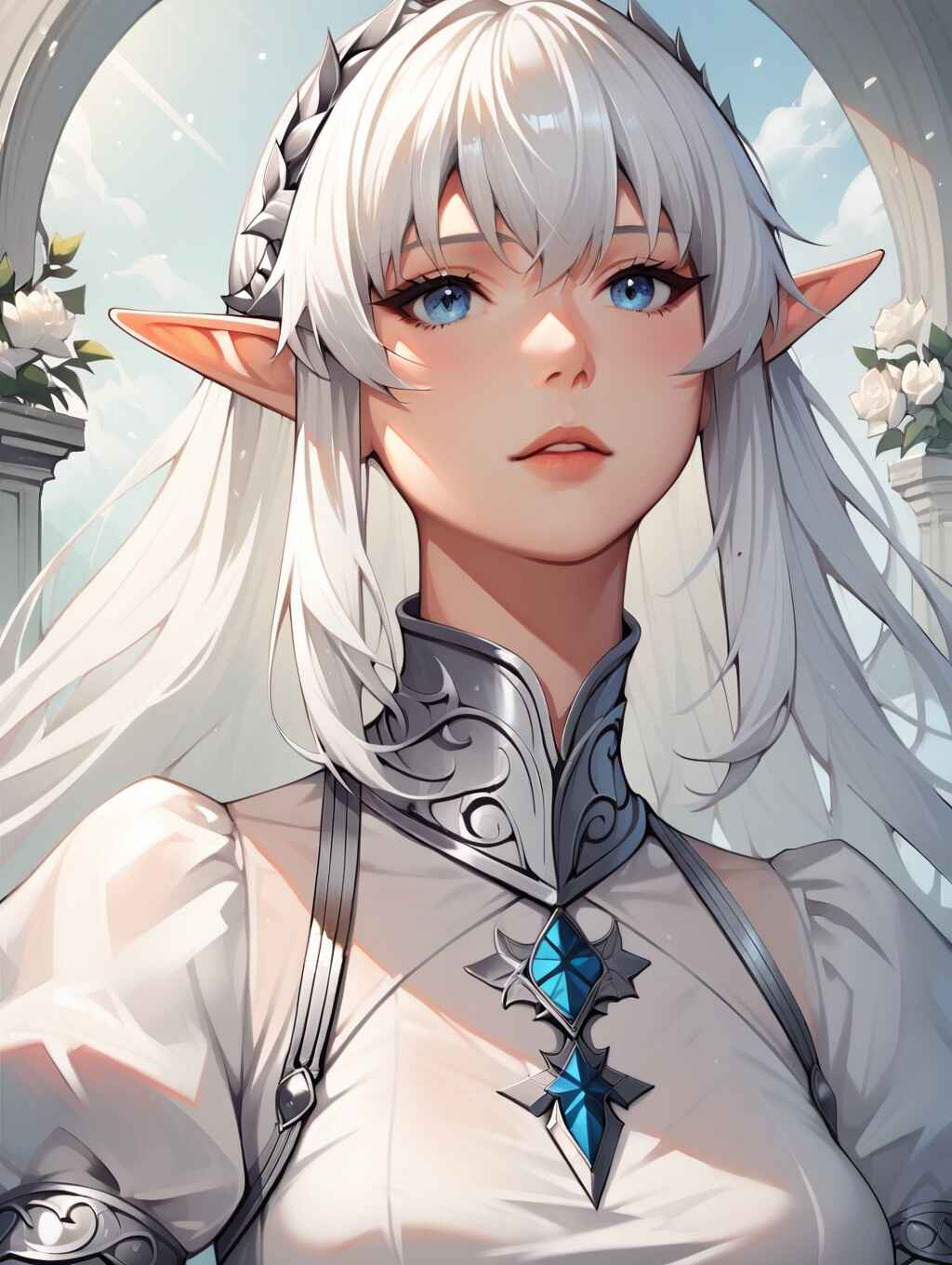
Meet Your Perfect AI Companion with Lamix

Dive into an uncensored AI experience and find companionship like never before. Engage in personalized, intelligent conversations with your ideal AI character.

Why Choose Lamix?

Unmatched Flexibility, Convenience, and Uncensored Expression

Lightning Fast

Get instant results with our optimized AI models and servers.

Mobile Friendly

Works seamlessly on all devices - phone, tablet, or desktop.

Uncensored Content

Experience completely uncensored conversations and image generation with no limitations.

Safe & Secure

Your conversations are private and protected with advanced encryption.

How to Get Started

Three simple steps to start creating

1. Create an Account

Sign up in seconds and get instant access to all features.

2. Choose an AI Character

Pick from 1000+ characters or create your own custom AI companion.

3. Start Creating

Chat, generate images & videos, and unleash your creativity.

What Users Are Saying About Lamix

Alex M.
★★★★★

"Lamix offers truly uncensored AI conversations. The freedom to express myself without limitations has made this my favorite chat platform. Highly recommended!"

Sarah K.
★★★★★

"I've tried various AI chat apps, but Lamix stands out with its uncensored content and intuitive design. The mobile experience is seamless, making it so convenient to use anywhere."

James T.
★★★★★

"The image generation in Lamix is incredible! Being able to create uncensored images and have unrestricted conversations makes this platform unique. The developers truly understand what users want."
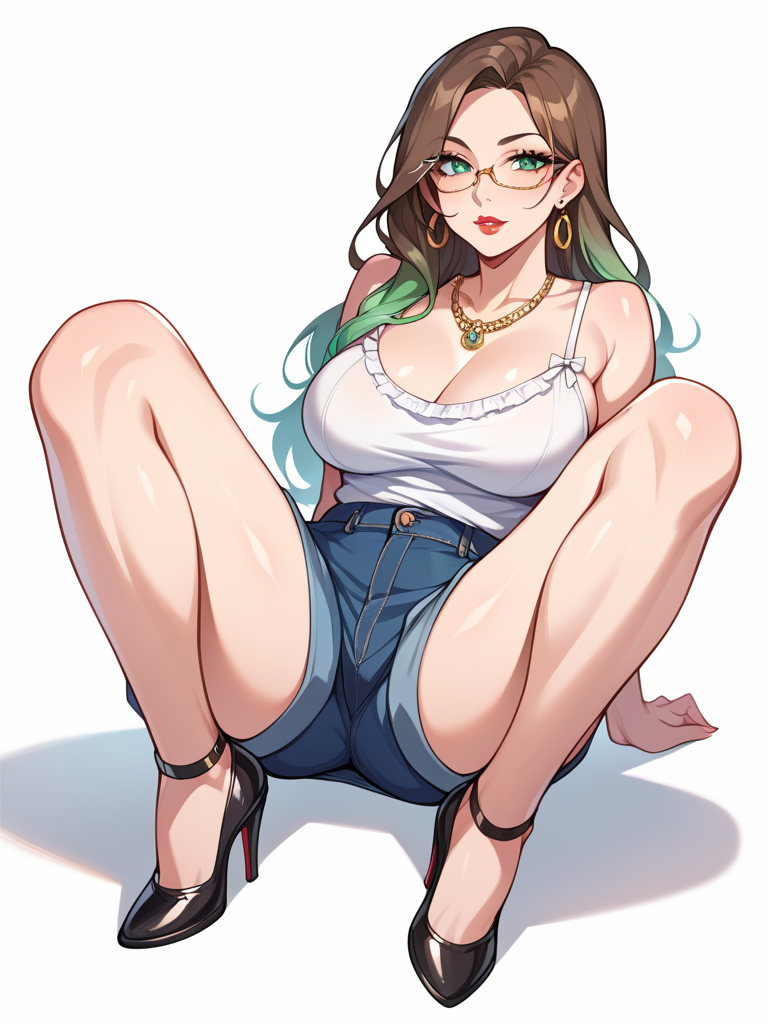
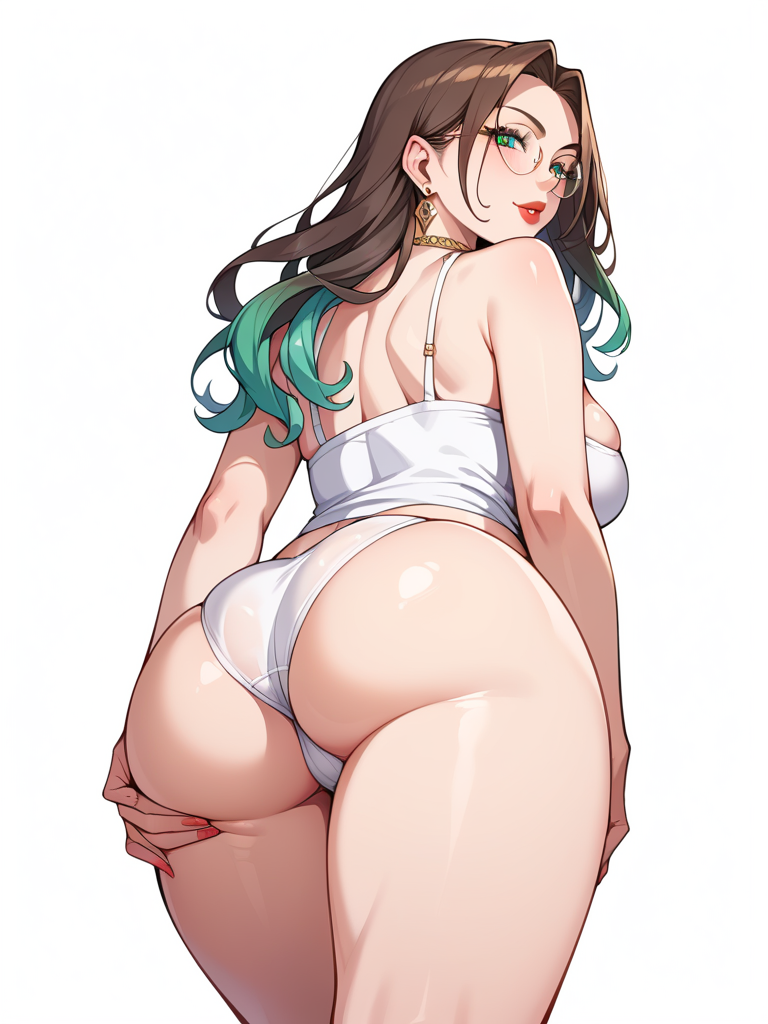
Frequently Asked Questions

Yes, Lamix is completely free to use with no hidden costs or fees. You can start chatting with AI characters immediately.

Lamix offers truly unrestricted conversations and image generation without the typical content filters found in other AI platforms. Our AI characters can engage with any topic you desire.

Yes, Lamix is fully optimized for mobile devices. You can enjoy all features on your smartphone or tablet with a seamless experience.
Desktop image 4
Desktop image 5
Desktop image 6
Desktop image 7
Desktop image 8
Desktop image 9
Desktop image 10
View All Characters View All Tags

Chat Tool Settings

Image Settings
Configure the number of images you'll receive per request. Each image costs 10 points and contributes to creating a richer, more immersive conversation experience.
3
Maintain consistent character appearance across all generated images using advanced facial recognition technology. This ensures your character's face remains uniform throughout photorealistic image generation.
Automatically generate images when the AI suggests or requests image creation during conversations. This feature uses your points balance and enhances the visual storytelling experience.
Custom Prompts
Configure custom prompt behavior for image generation.
Enable or disable the use of custom prompts for image generation.
Use the default description instead of showing the input modal.
Enter a default description to append to custom prompts.
0/500 characters
Video Generation
Transform your generated images into captivating 5-second videos with smooth transitions, dynamic effects, and professional-quality output tailored to your preferences.
Premium subscription required to access video generation features
Relationship Settings
Voice Settings
Personalize your character's voice with high-quality text-to-speech technology. Choose from our voice library and enable audio playback to bring your conversations to life.
Standard Premium
Nova
Bright and energetic female voice
Alloy
Balanced and neutral voice
Shimmer
Warm and friendly female voice
Fable
Deep and storytelling voice
Speech Recognition Settings
Configure how speech-to-text works in your chat
Enable or disable speech-to-text functionality
Automatically send messages after speech recognition completes
Press Ctrl+Shift+M (Cmd+Shift+M on Mac) to start speech recognition
Chat Suggestions
Receive intelligent conversation suggestions powered by AI analysis of your current dialogue context. Get 2 thoughtfully crafted response options to enhance your chat experience and maintain engaging conversations.
Conversation Scenarios
Enable or disable the ability to generate and select conversation scenarios. When enabled, you can choose emotional tones and conversation directions to customize your chat interactions.
Character AI Model
Choose the AI model that powers your character's responses. Different models offer varying capabilities in creativity, reasoning, and conversation style.
Loading...
Loading AI models...